thereısh
Your work diary that fills itself in.
It notices where you worked and for roughly how long. You check it, add notes, and mark it Done.
Follow a day ↓
Arrive
Jobs that log themselves.
Get to a saved site during your work hours (or when you're on call) and stay about 5 minutes. Thereish starts the job, timed from when you arrived. Quick stops aren't recorded.
New place
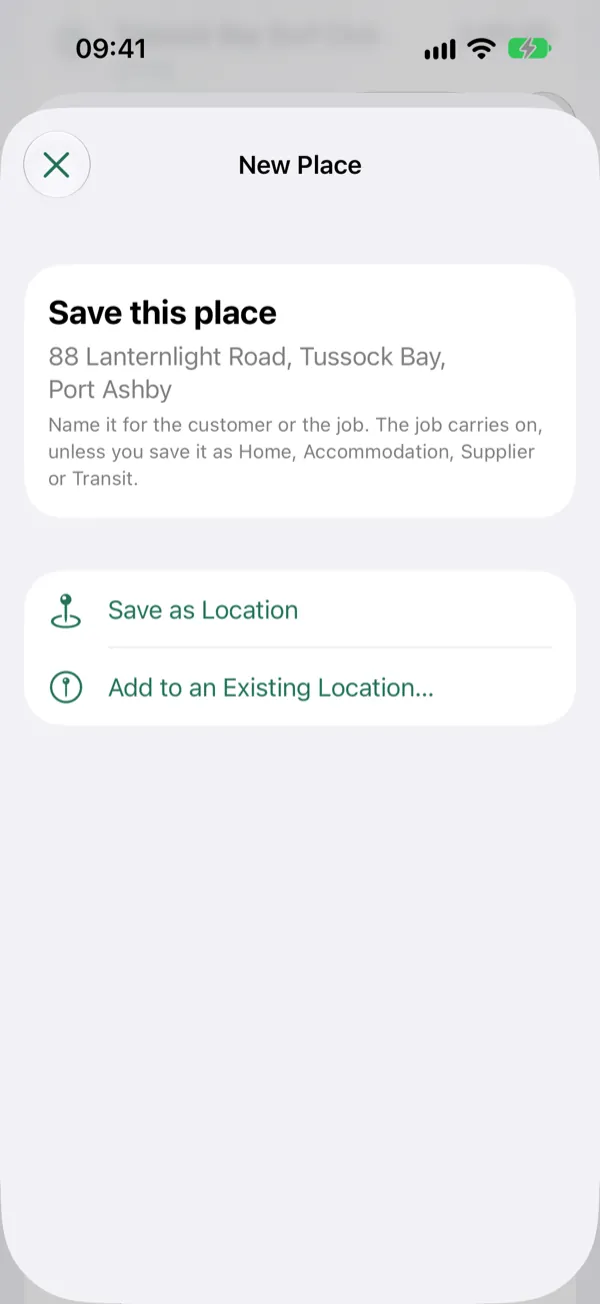
Somewhere new? Still a job.
Stay somewhere you haven't saved for about 15 minutes during your work hours (or when you're on call) and a job still starts, marked New place. Save it with the customer's name, and next time Thereish knows it.
Inbox
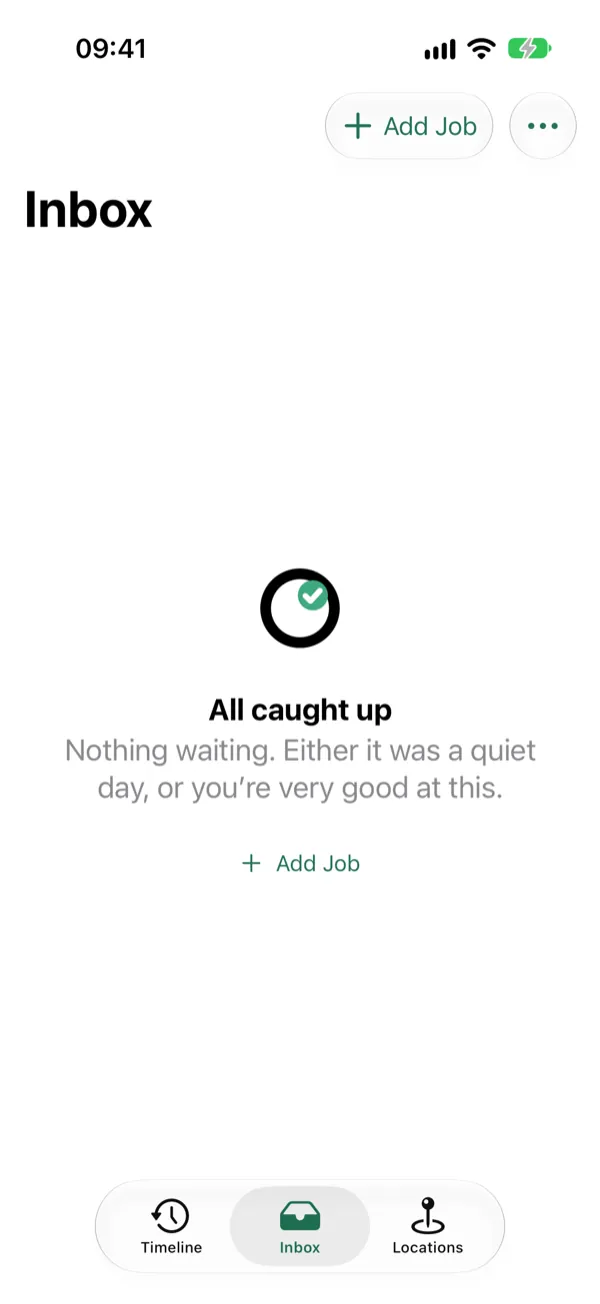
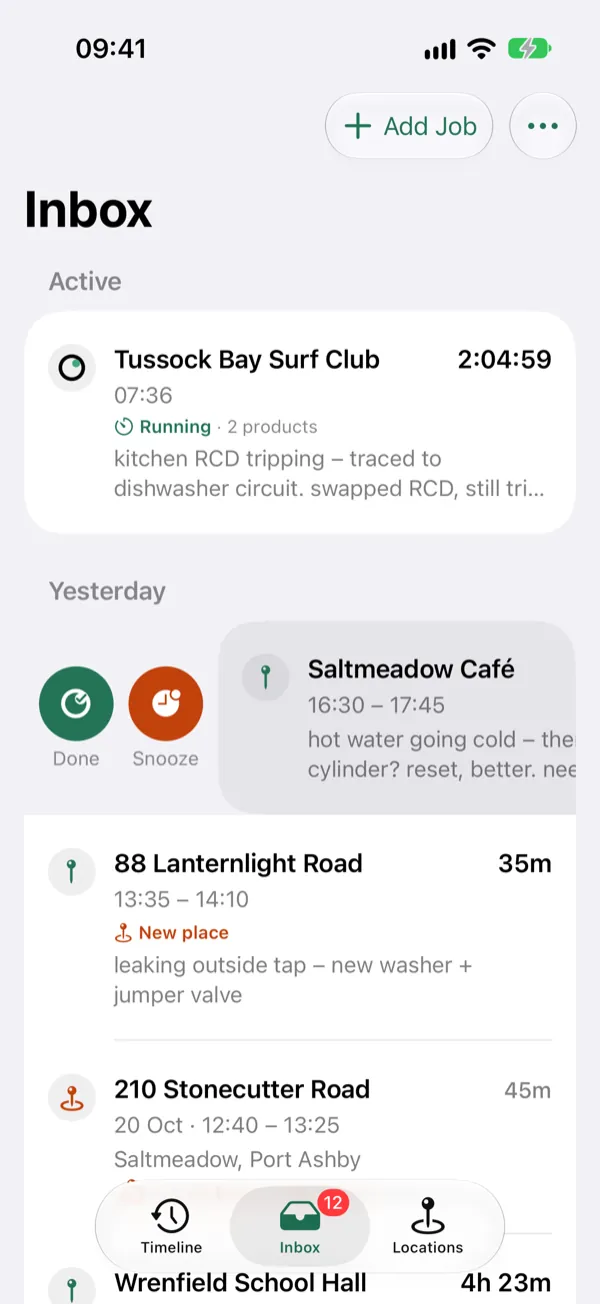
Swipe it Done.
Every job waits in your Inbox until you've dealt with it. Check the times, add notes or photos, copy it into your timesheet or job system, then swipe right to mark it Done.
Notes
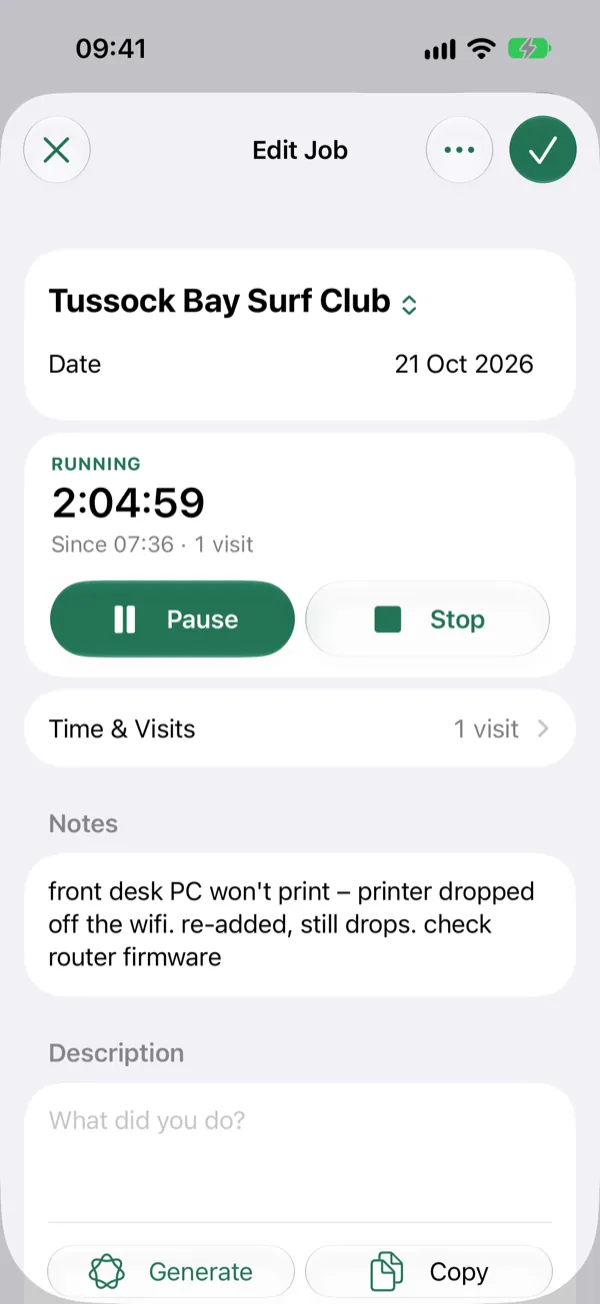
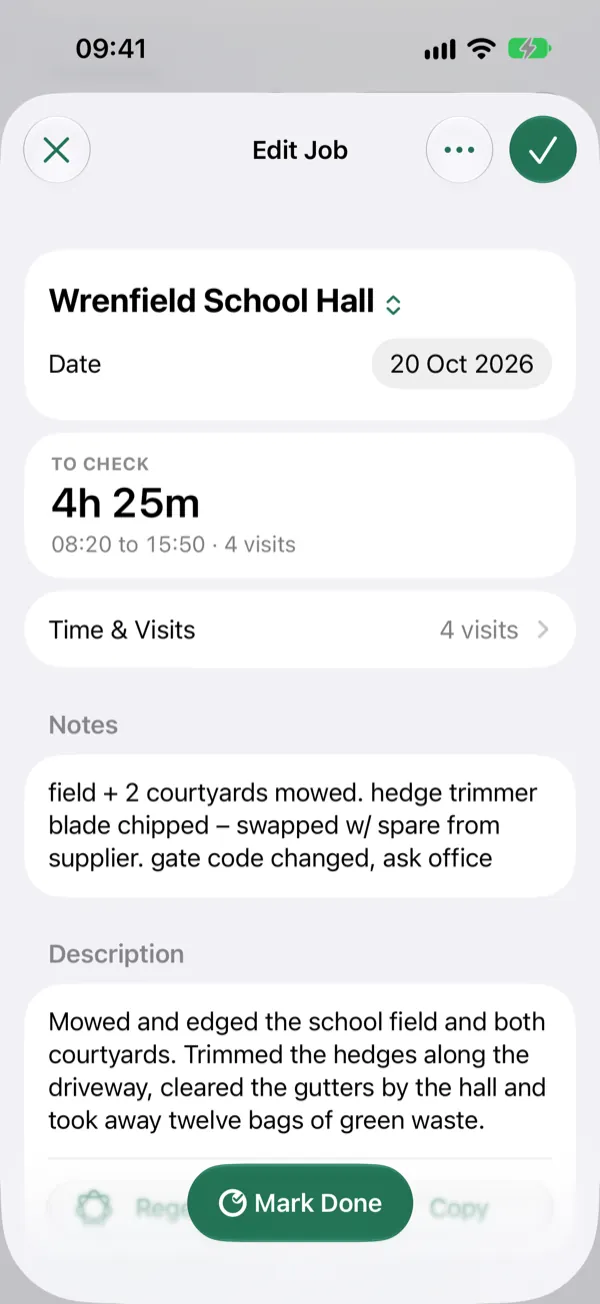
Rough notes in. Clean description out.
Jot rough notes on site. On supported iPhones, Apple Intelligence turns them into a tidy description on your device, keeping what you did apart from what you found and what still needs doing.
Your notes stay as you wrote them. Check the description before it goes on an invoice.
Travel
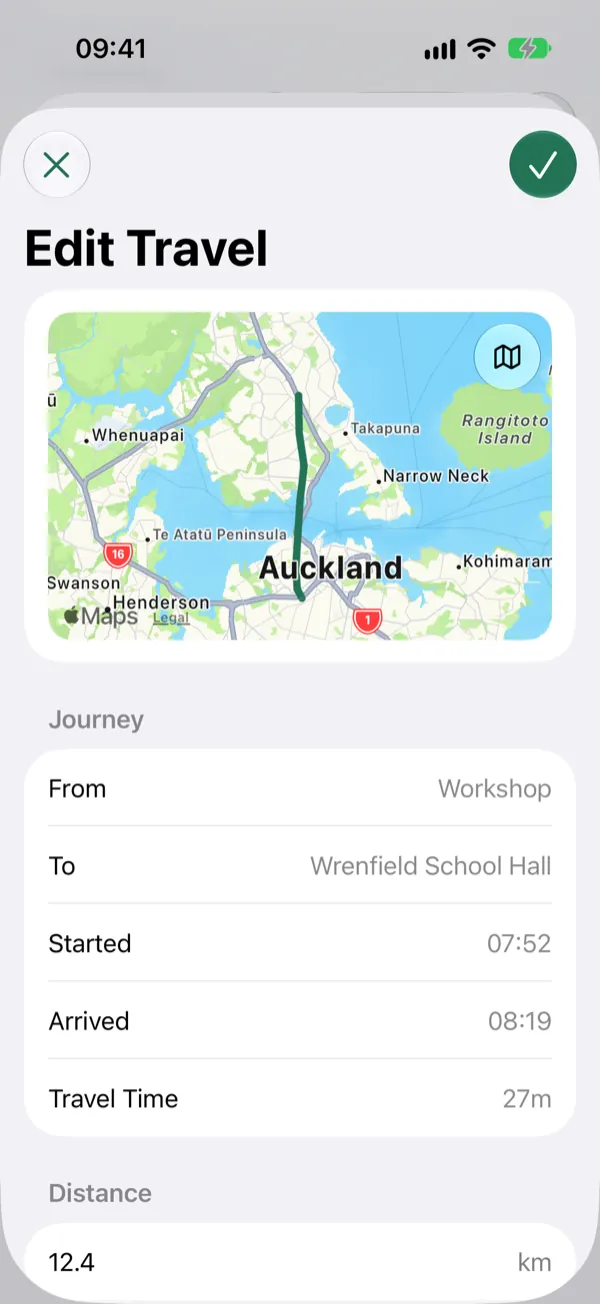
Travel, sorted.
Turn on travel and Thereish records the distance and time you drive for work, then shares them across the day's jobs the way you choose. Your everyday drive between Home and the Office isn't counted.
Lock Screen
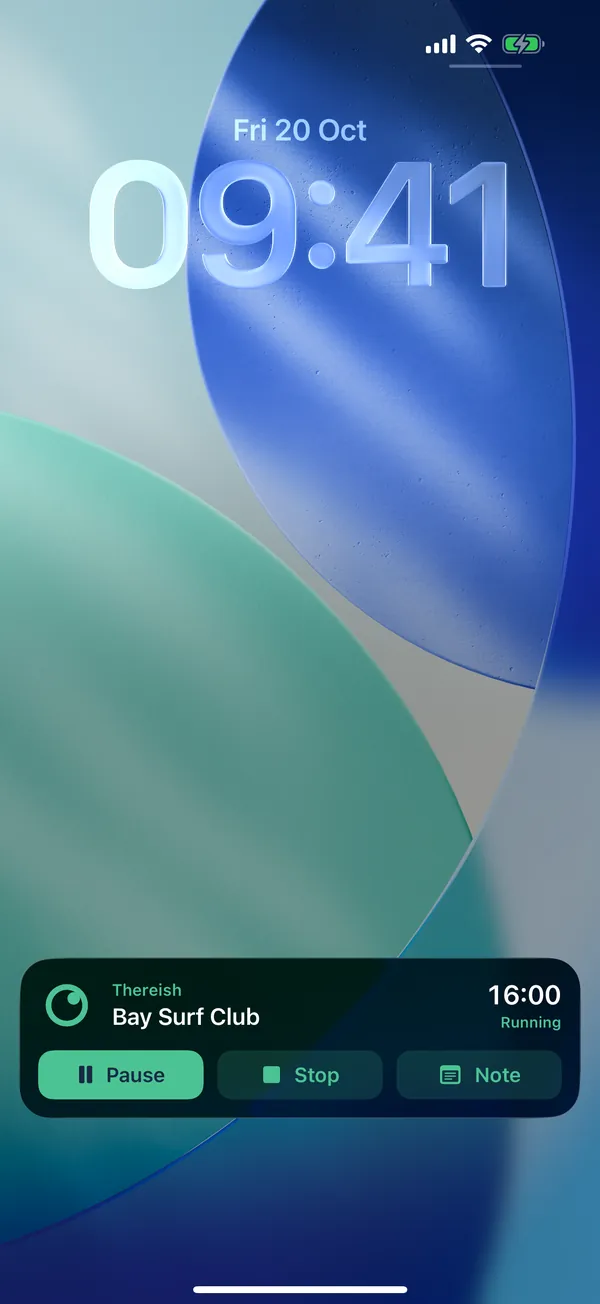
Hands full? It's on your Lock Screen.
Your running job sits right there. Pause or stop it with a tap, or tap Note to jump straight in.
Rather talk? Ask Siri: "Pause my Thereish job".
Siri asks you to unlock first.
Home
Home, and the Inbox is clear.
That's the day: jobs logged, travel sorted, nothing left to type up tonight.
Coming soon to iPhone, iPad and Mac.